
Edit photos like a pro
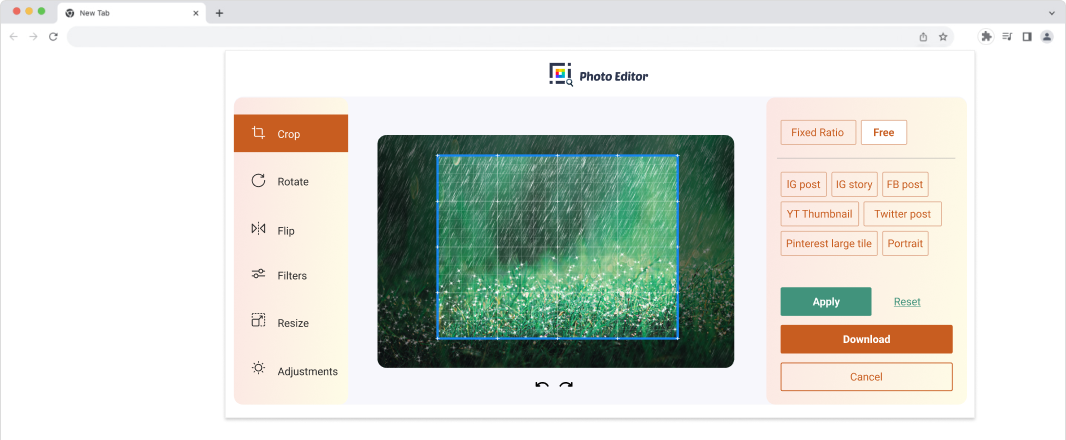
Crop, resize, rotate, apply filters, and make color adjustments to photos or images, directly from your browser with the Photo Editor extension.

By clicking the button above, I consent to install this extension and abide by its Terms of Service and Privacy Policy.
Our Features
-
01
Apply filters
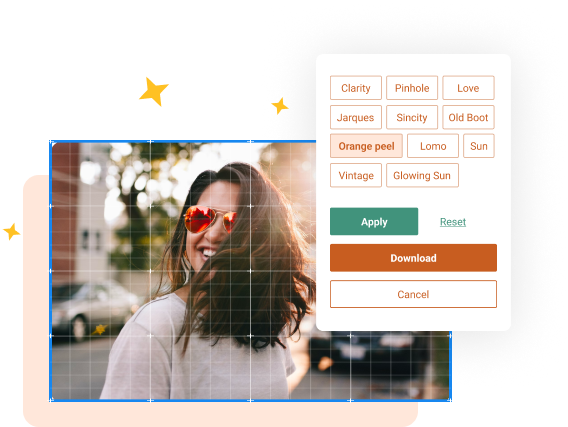
Transform your photos into visual masterpieces. Use the ‘glowing sun’ filter to enhance radiance, or choose the ‘vintage’ filter to recreate that old-world charm. Explore a range of filters to create stunning images with our photo editor.
-
 02
02Crop & resize
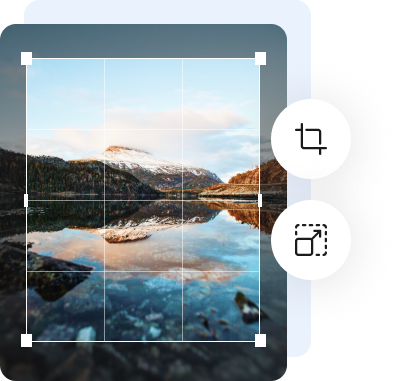
Take control of your image composition, easily adjust aspect ratios, trim unwanted areas, and create beautiful close-ups. You can also resize images for the web, social media, and more.
-
03
Rotate & flip
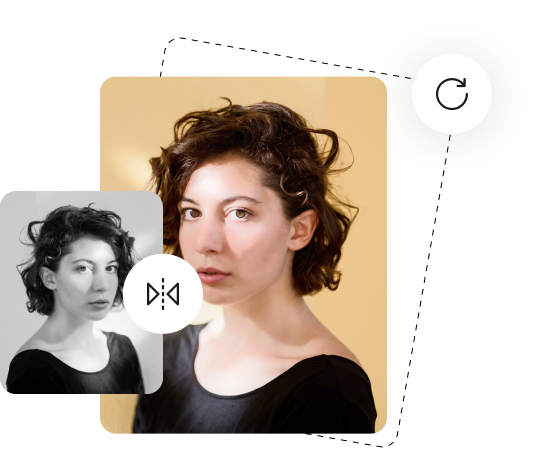
Elevate your photo editing game. Easily rotate images clockwise or counterclockwise or flip them horizontally or vertically. Whether planning social media posts or capturing culinary delights, get creative with Photo Editor.
-
 04
04Color correction
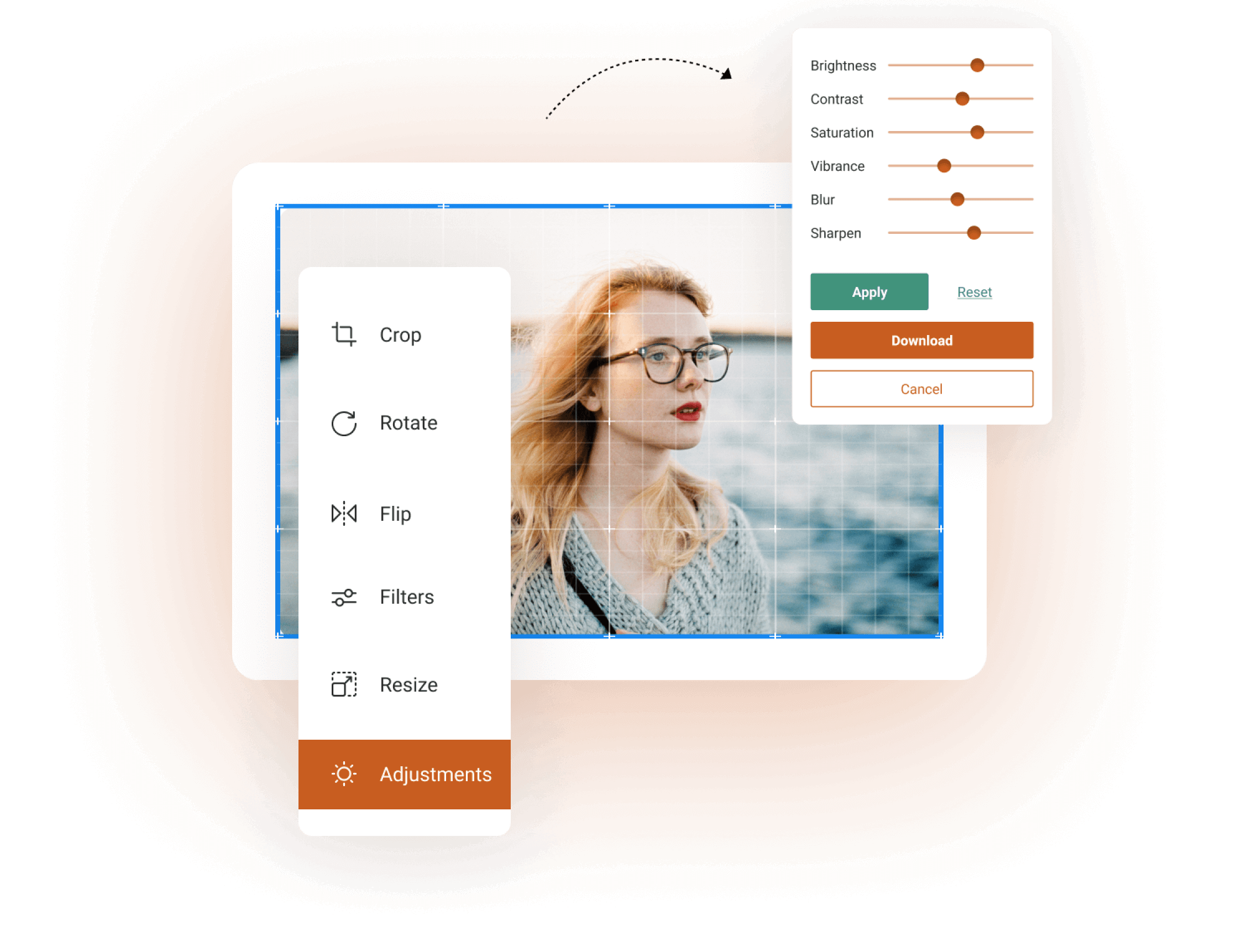
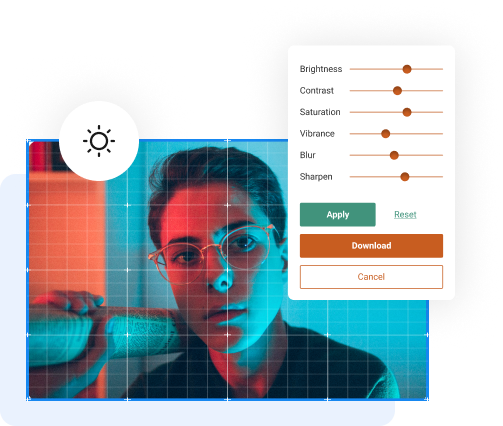
Make the colors in your visuals pop! Unlock your image's true potential by fine-tuning brightness, contrast, saturation, vibrance, blur, and sharpness. Revive vacation snapshots, enhance product images, or add an artistic touch to photos with controlled adjustments.
How to use?
Follow these three easy steps:
-
 01Upload a photo
Upload your photo or image to the photo editor tool.
-
 02Edit and enhance
Crop, rotate, flip, apply filters, resize, and make adjustments.
-
 03Save the photo
Download the edited file directly to your desktop or laptop.
Easily edit your photos and give them that ‘wow’ factor with the Photo Editor extension.
Download now!
Check out our FAQ’s
-
Is it free?


Yes, the Photo Editor extension is 100% free. There are no hidden costs or fees.
-
How do I download this extension?
-
How many images can I edit using this extension?
-
I am a beginner at photo editing. Will this extension be useful for me?